
Communication for incidents and crises
RapidReach is a emergency notification system for fast and secure communication during incidents and crises. You decide the content of the message, which communication channels to use and how the alert should be escalated.
The system alerts the right people, collects acknowledgements in real time and can escalate if there is no response.
The result is shorter response times, fewer misunderstandings and greater peace of mind throughout the organisation.
- Alert and inform people via phone, SMS, the app, email and loudspeaker
- Checklists, acknowledgement and escalation – ensure that the correct actions are carried out
- Logs and reports for traceability post-analysis
Emergency notification system
Why organisations choose RapidReach
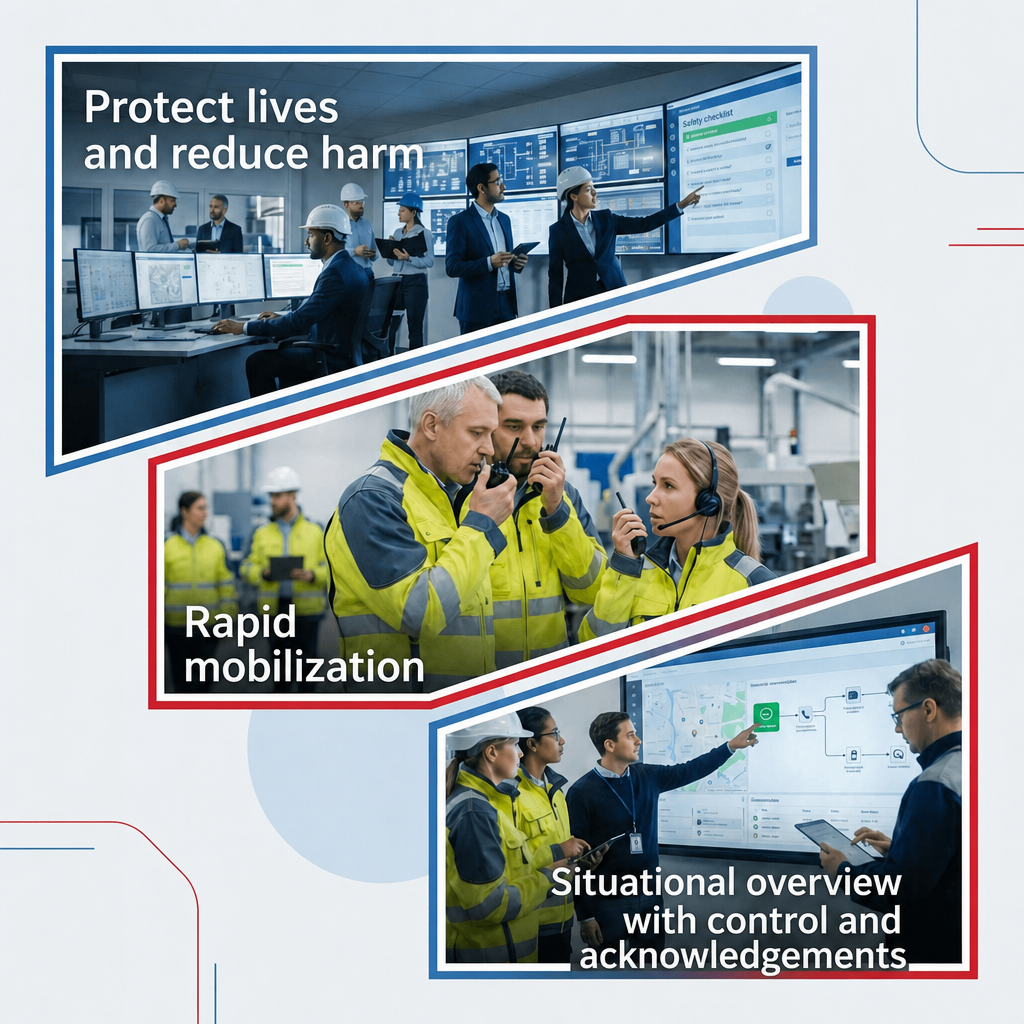
Protect lives and minimise injuries: Send clear, rapid instructions in the event of first aid, oil spill, fire, threats, chemical release, power outage or severe weather so people can take the right action straight away and risks are minimised. Ensure the right message reaches everyone, even in times of stress and uncertainty.
Rapid mobilisation: Alert the right people immediately and mobilise the right resources, based on location and function, with automated escalation if there is no response. This eliminates manual call chains and reduces the time to action.
Situational awareness: Collect acknowledgements and status updates in real time, see who has responded and who may need help, then manage the next steps through prioritisation and follow up.
Reach the right people – quickly
Get situational awareness in real time
Built-in escalation and audit trail
For businesses with high availability requirements
How RapidReach and emergency notification system work
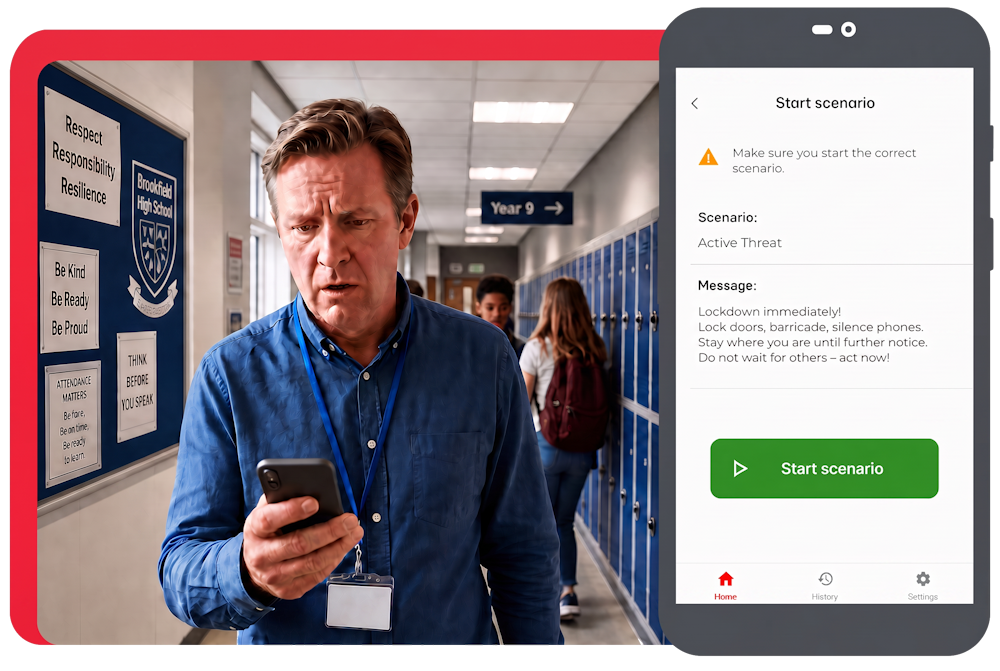
In the event of serious incidents and operational disruptions, RapidReach is used to quickly and securely reach the right people within the organisation via several channels, such as the app, voice, SMS and loudspeaker.
- Predefined alerts can be configured with messages, recipient groups and checklists.
- The system sends alert, collects receipts and completed checklists forms, and enables chat between participants.
- Everything is logged and displayed in real time.

Solutions
The right emergency notification system for your needs
RapidReach is designed to support both overall crisis management, operational incident management and security work.
Select the area below that best reflects your mission and needs.

Areas of application
Designed for situations where it really counts
RapidReach helps organisations reach the right people quickly, coordinate actions and maintain accountability when serious incidents occur.

Available when needed
Follow-up and Responsibility
Customisable
Safety and Compliance
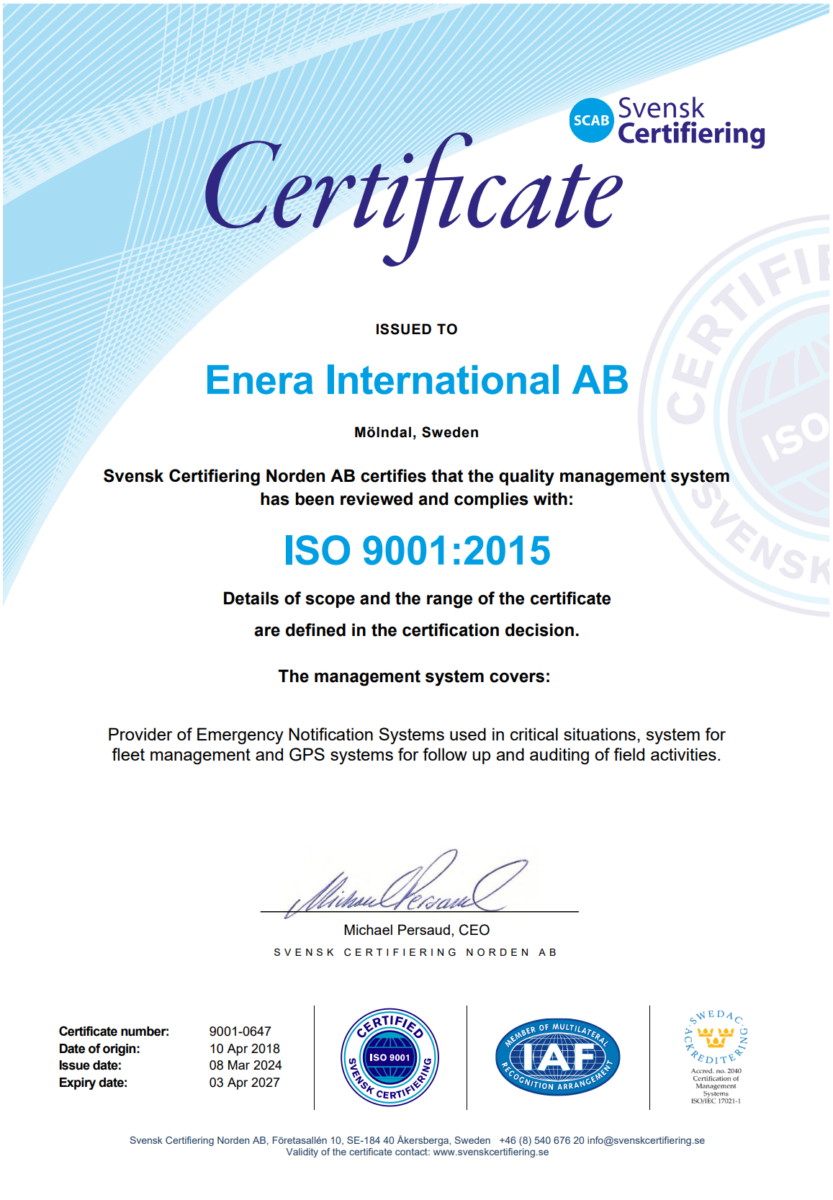
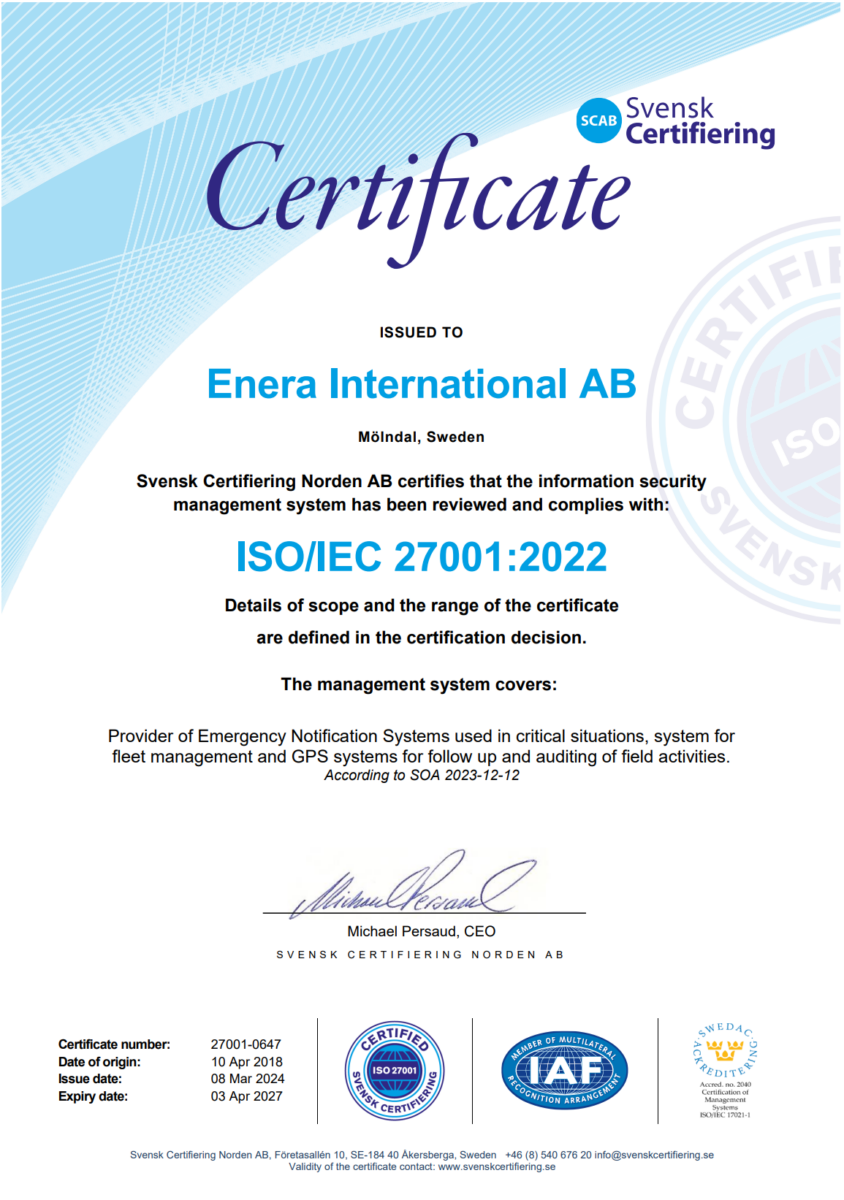
- ISO-certified (27001 and 9001)
- GDPR
- Hosting in Sweden
- Logging and audit trail
RapidReach is designed to meet the requirements of organisations responsible for people, essential services and critical processes.
FAQ - Frequently Asked Questions
RapidReach is a system for quickly reaching the right people during incidents and crises – with structured alert flows, clear recipient groups and follow-up. The focus is on making communication fast, traceable and easy to use, even under pressure.
Common channels are apps, SMS, phone calls and email, but you can also use pagers, touchscreens and loudspeaker. To reduce vulnerability, it is often best not to rely on a single channel, but to raise the alarm via several parallel channels simultaneously.
Common areas of use include operational disruptions, IT incidents, accidents, security incidents, fire/explosions, and lockdown and evacuation.
In the event of operational disruptions and crisis management, RapidReach helps you to quickly activate the right functions using alert messages, acknowledgements, checklists and chat.
It depends on your configuration and your needs, but robust set-ups are often based on multiple contact channels, clear recipient groups and escalation logic in case someone is unable to respond.
In a demo, you can see how to set up workflows for your organisation.
Many organisations want to be able to track whether alert has been received and who is able to respond. How this is done and the appropriate level of detail depend on scenario and the organisation’s operations. We recommend defining acknowledgement requirements for each alarm type.
Yes – many people get the best results when the same tools are used regularly, not just for rare occurrences. That way, alert templates, recipient lists and procedures are already in place when it really matters.
The time required depends on the scope: how many recipient groups, which alert types, any integrations, and your information security requirements. A practical starting point is often to define 3–5 alert types, set up groups and roles, and test workflows in a pilot project.
If you know what you want to achieve, you can be up and running in a few hours.